Master List: supplier link + profit link behavior
What you’ll learn
How the Supplier and Net Profit fields behave in the Master List — what happens when you click them, and why these shortcuts exist.
Why these links exist
The Master List is meant to be your command center.
Instead of opening different tabs and searching for the right product, D2C Lab gives you direct shortcuts:
click Net Profit to jump to the Calculator for that product
click Supplier name to jump to that supplier’s details
This helps you move faster and reduces confusion.
Supplier link behavior
What you’ll see
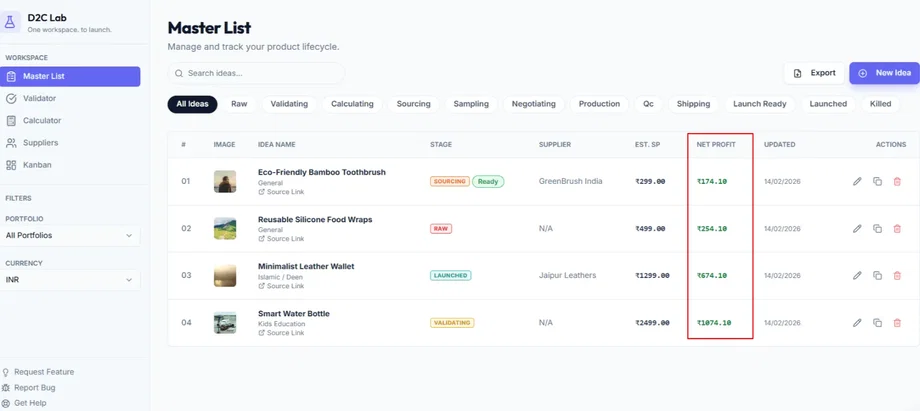
In the Master List, the Supplier column/field shows the supplier name (once a supplier exists for that product).
What happens when you click it
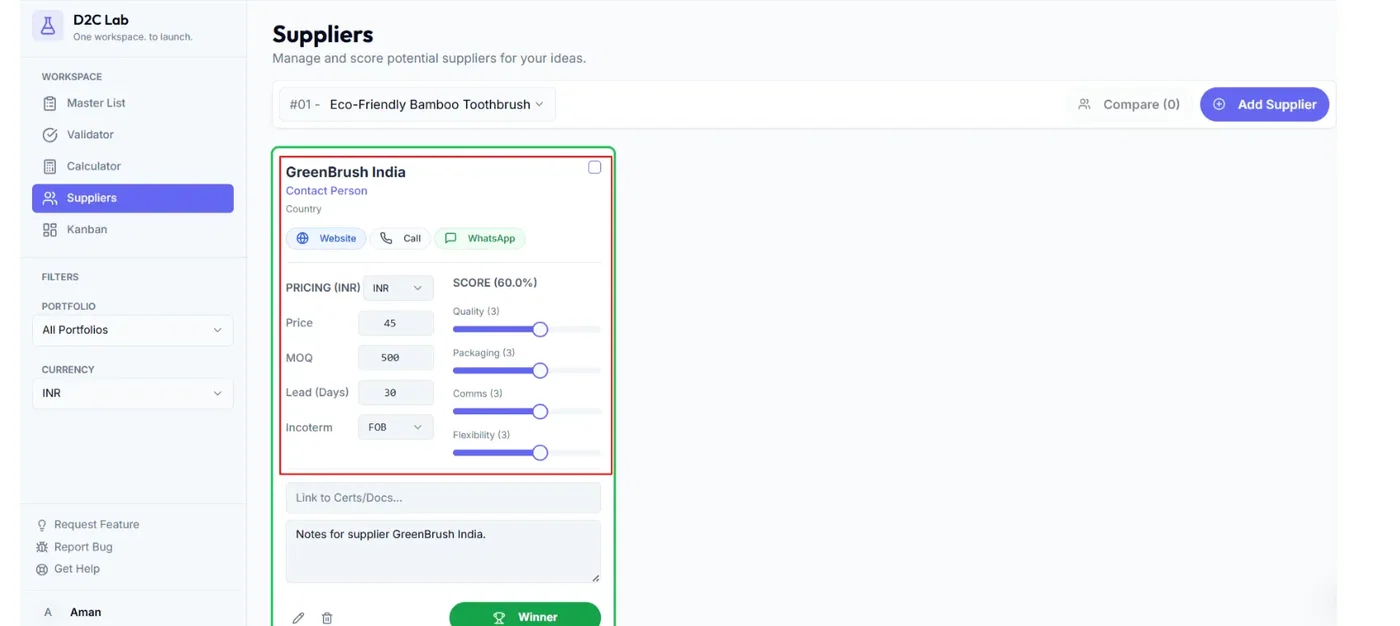
Clicking the Supplier name takes you directly to:
that product’s supplier details (in the Suppliers section)
When it appears
If no supplier has been added yet, you may see an empty value (or no clickable link).
Once you add at least one supplier, the supplier name becomes visible and clickable.
Tip: Adding a supplier contact also triggers Kanban automatically (card starts in Sourcing).
Net Profit link behavior
What you’ll see
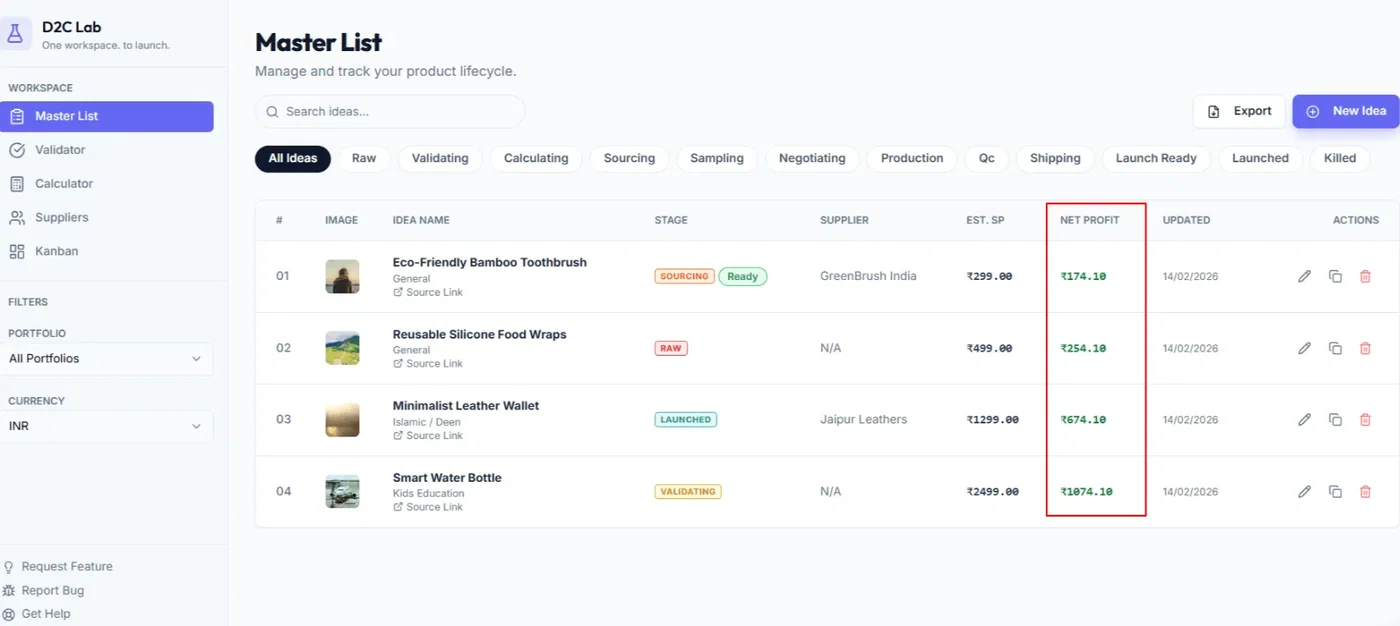
In the Master List, the Net Profit field shows the latest net profit calculated for that idea.
Where Net Profit comes from
Net Profit is calculated in the Calculator based on your inputs (selling price and costs).
What happens when you click it
Clicking Net Profit takes you directly to:
that product’s Calculator card
This is the fastest way to adjust numbers when you’re shortlisting ideas.
When it updates
Net Profit updates when:
you change calculator inputs, and
you save those changes
If you don’t see the new number immediately:
refresh once,
then re-check the Calculator inputs.
Common workflow (how most people use it)
Use the Master List to scan ideas by stage + net profit
Click Net Profit to refine the numbers
Click Supplier to check quotes/terms or contact details
Return to the Master List and shortlist your top ideas
Troubleshooting
Supplier link isn’t clickable
Confirm a supplier has been saved for that product
Refresh once
Check if you’re filtered to the correct portfolio
Net Profit doesn’t match the Calculator
Open the Calculator via the Net Profit link
Confirm inputs are saved
Refresh once
If it still looks wrong, report it here:
feedback.d2clab.co → Bug Reports
Related articles
Master List: fields, actions, stage pill
Model profitability (Calculator)
Add and manage suppliers (Suppliers tab)
How Kanban starts automatically (supplier contact rule)