Reverting stages (moving a card backwards)
What you’ll learn
When and why you might move a Kanban card backwards, how stage reversion works in D2C Lab, and how to keep your workflow accurate without losing context.
Why you’d move a card backwards
Real execution isn’t always linear. You may need to revert a stage when:
a sample fails and you need a new sample,
negotiations change after new quotes,
production is paused due to a spec change,
QC finds defects and you need rework,
shipping is delayed and the product needs to return to QC or Production.
Moving a card backwards is a normal part of building products.
What “reverting stages” means
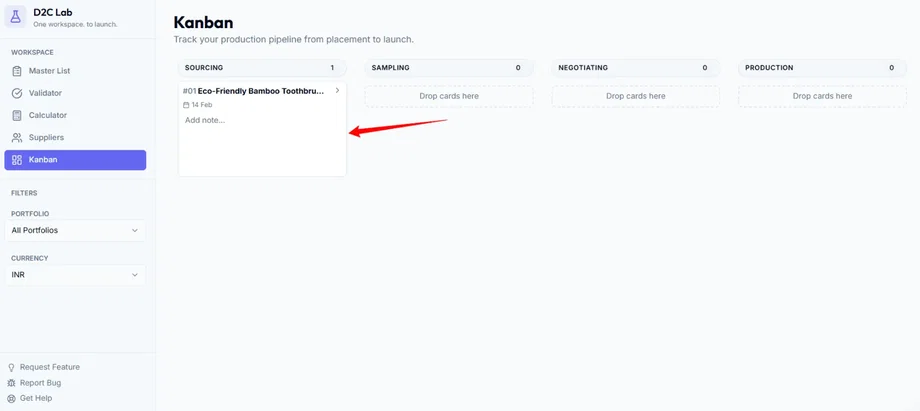
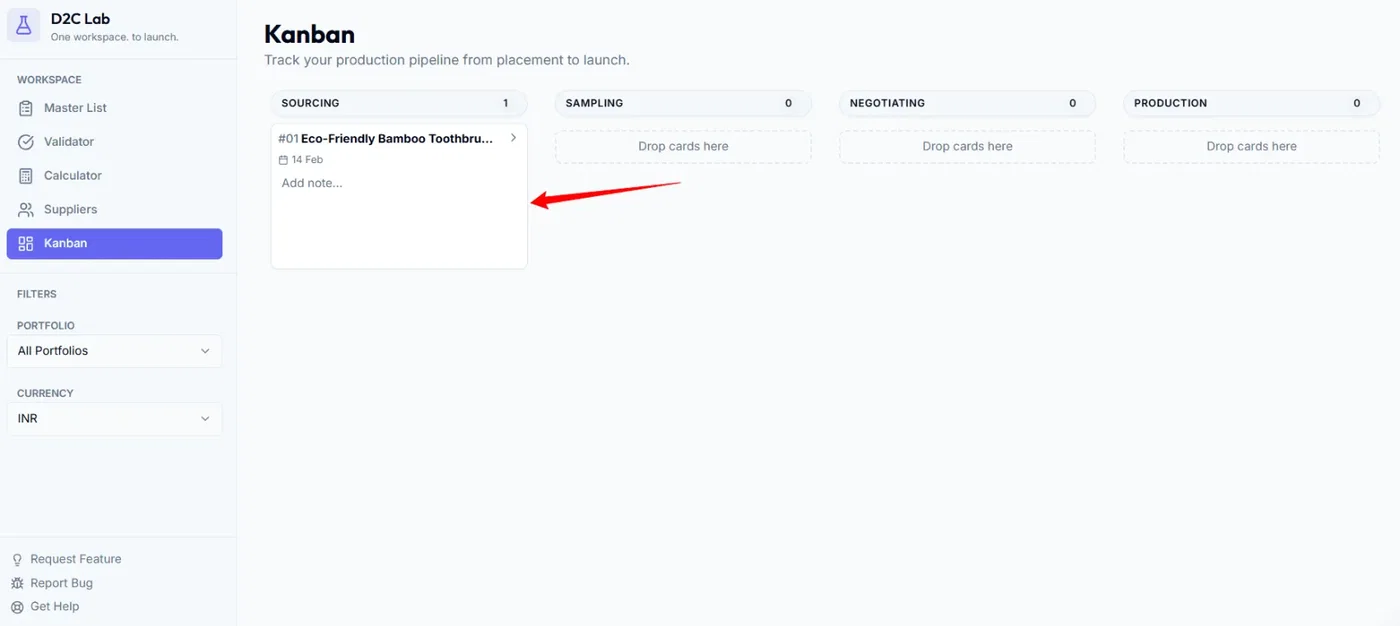
When you drag a Kanban card to an earlier column:
the Kanban column changes, and
the product’s stage should also revert across the app (especially in the Master List).
This keeps one source of truth:
the Kanban board shows execution reality,
the Master List reflects the same stage.
How to move a card backwards (step-by-step)
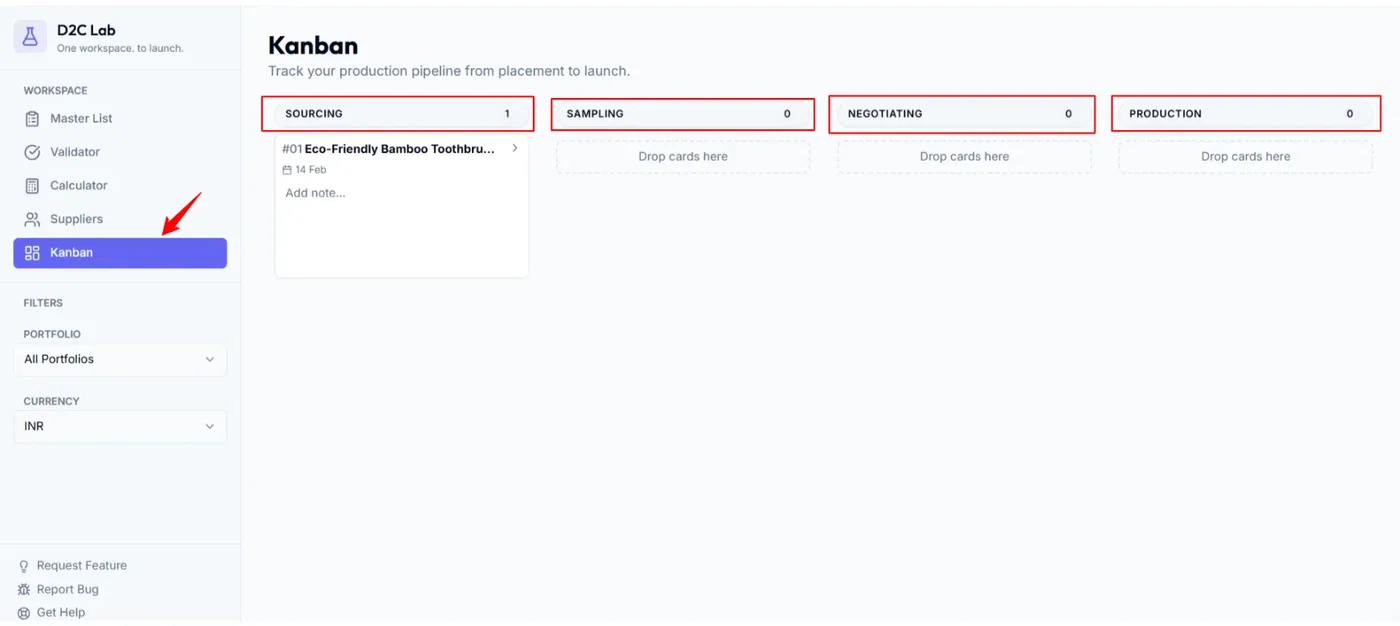
Step 1 — Open Kanban
Go to the Kanban tab.
Step 2 — Drag the card to the earlier stage
Drag the product card from its current column to the column that matches your real status.
Examples:
Sampling → Sourcing (sample failed, finding new supplier)
QC → Production (rework needed)
Shipping → QC (inspection issue before dispatch / shipment held)
Step 3 — Confirm stage sync
After dropping the card:
check the card’s new column,
confirm the product stage in Master List reflects the same stage.
Recommended rules (so your board stays clean)
Revert only when something truly changes.
Don’t move cards backwards just because you’re “waiting.”Add a quick note whenever you revert.
In the Kanban card modal notes, write one line:“QC failed — rework needed.”
“New quote changed terms — back to Negotiating.”
Keep the board honest.
If the team looks at Kanban, they should instantly understand the real status.
Common examples (what to choose)
Sampling → Sourcing
Use when:
you’re switching suppliers,
you need a new supplier option.
Negotiating → Sampling
Use when:
you need another sample iteration before finalizing terms.
Production → Negotiating
Use when:
supplier changes pricing or terms after you thought it was confirmed.
QC → Production
Use when:
defects require rework or a re-run.
Shipping → QC
Use when:
shipment is held for inspection, correction, or final approval.
Troubleshooting
I moved the card backwards but the stage didn’t revert
Try these quick checks:
Refresh once and re-check Master List stage
Move the card forward one column and back again
Confirm you’re not filtered into a different portfolio view
If it still doesn’t revert properly, report it here:
feedback.d2clab.co → Bug Reports
Related articles
Move through production stages (Kanban)
How Kanban starts automatically (supplier contact rule)
Kanban: drag-and-drop stage mapping
Fix: Stage looks wrong after moving cards