Importing from a product URL (what gets captured)
What you’ll learn
When you paste a product URL to capture an idea, what D2C Lab stores, what you should edit immediately, and what this import is (and isn’t) meant to do.
What “URL import” is for
URL import is a quick way to:
keep the source link attached to your idea,
grab/attach a reference while you validate,
build a shortlist of ideas inspired by existing products.
It’s designed for speed and reference tracking — not deep scraping.
What gets captured (typical)
When you add a Product URL, D2C Lab will store the URL and (where possible) capture or pre-fill basic information.
Typically captured/stored:
Product URL (always)
Idea image (if available)
Idea name/title (if available)
Note: The exact fields that auto-fill depend on the source page and what’s available.
What does NOT get captured
URL import does not replace your product research.
Typically NOT captured:
sales numbers / demand data
competitor reviews analysis
exact fees/taxes
supplier cost / MOQ
packaging specs
You still validate inside Validator and do the numbers inside Calculator.
What you should edit immediately (best practice)
After importing, do these quick edits so your Master List stays clean:
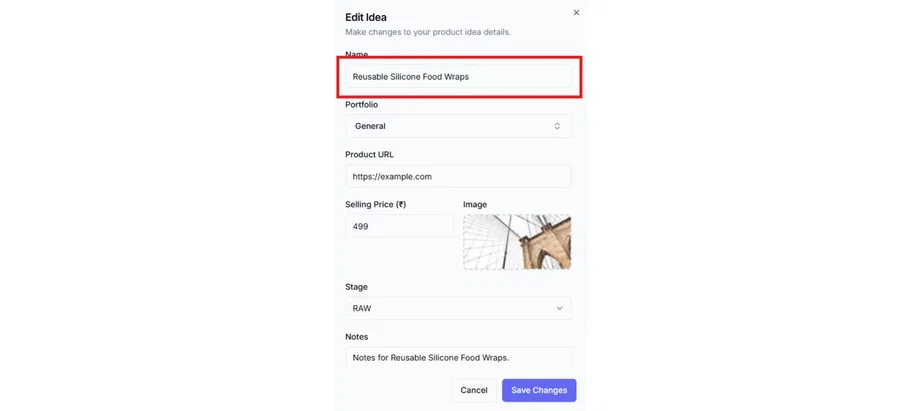
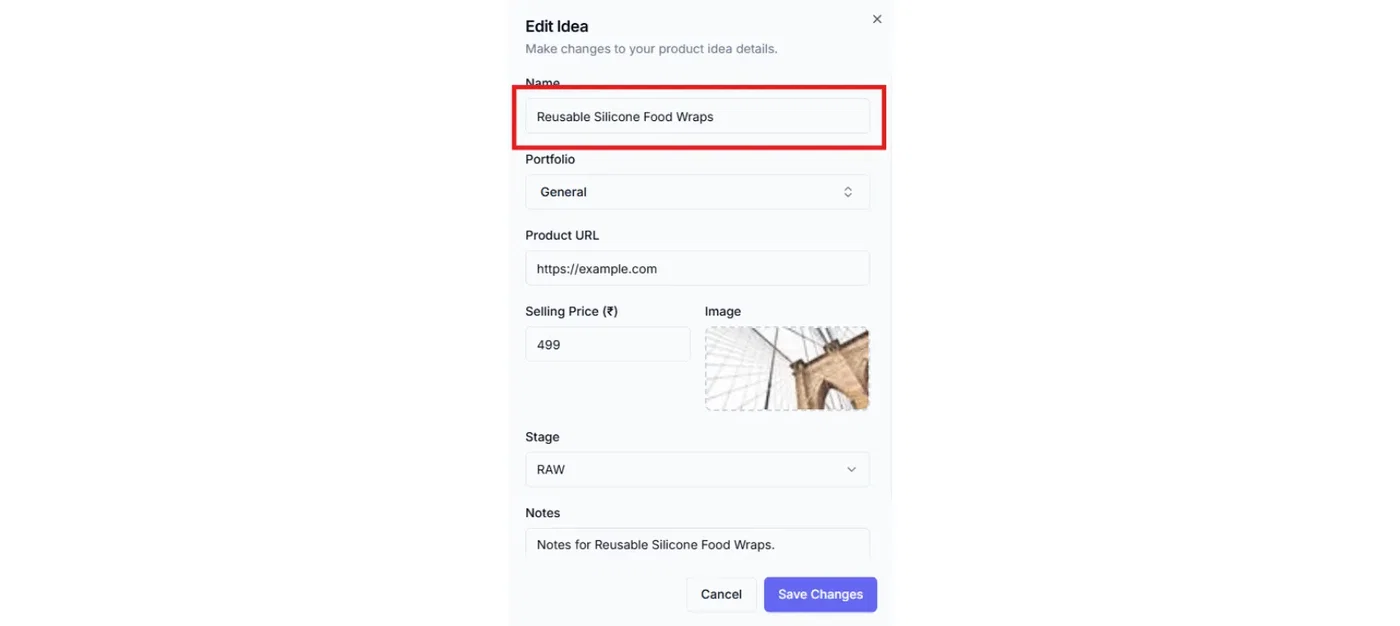
Rename the idea
Don’t keep a competitor’s full title. Rename it to your internal style.
Example:
Instead of: “Premium Stainless Steel Garlic Press with Ergonomic Handle…”
Use: “Garlic Press — Stainless — Heavy Duty”
Set your target selling price
Use your intended selling price (even if it’s an estimate).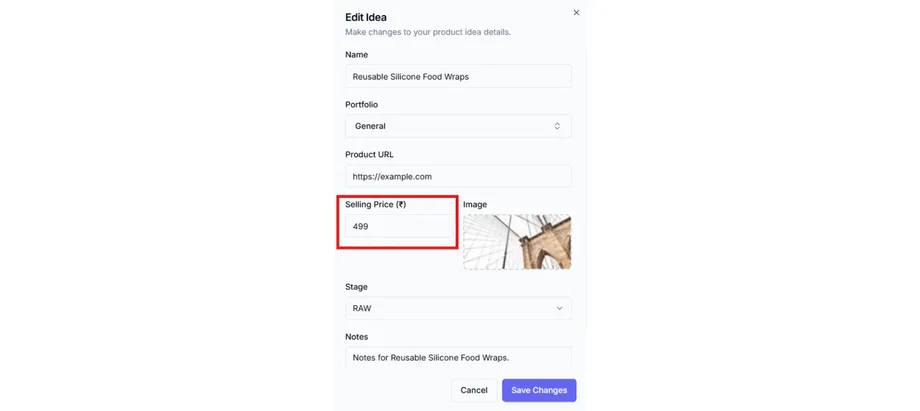
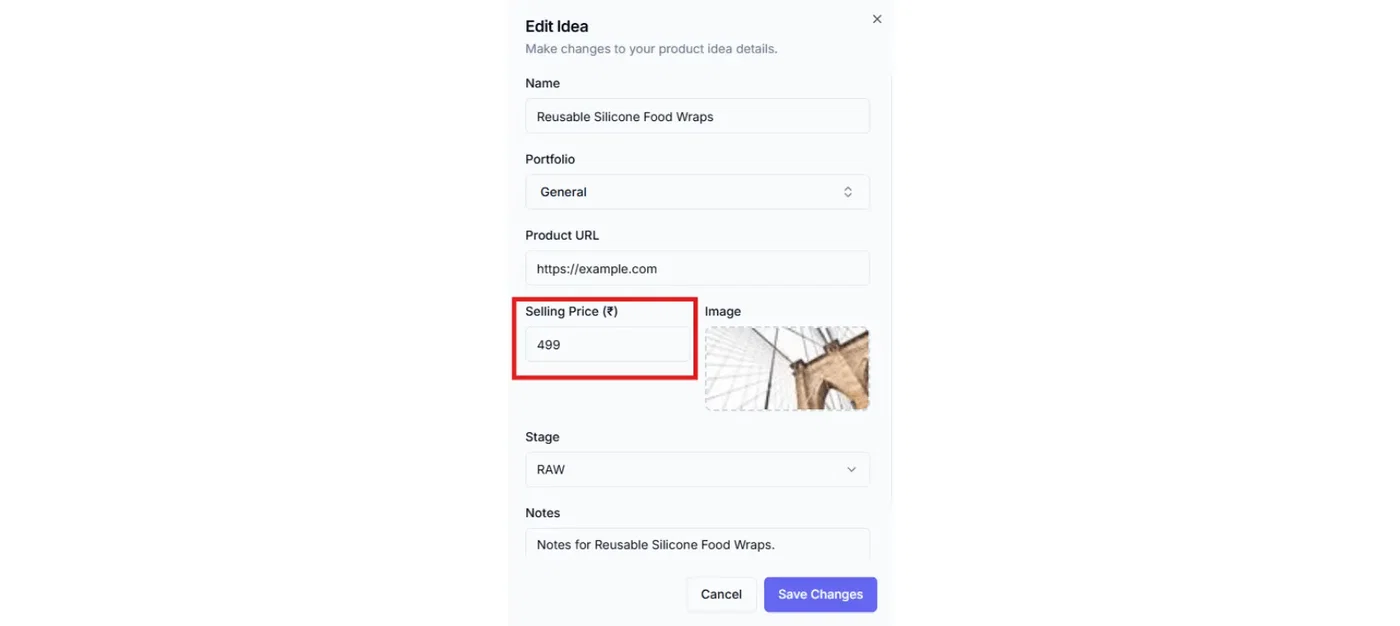
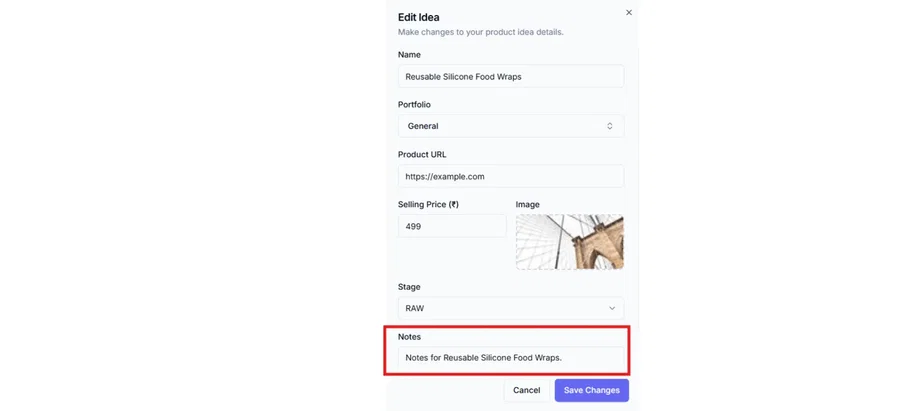
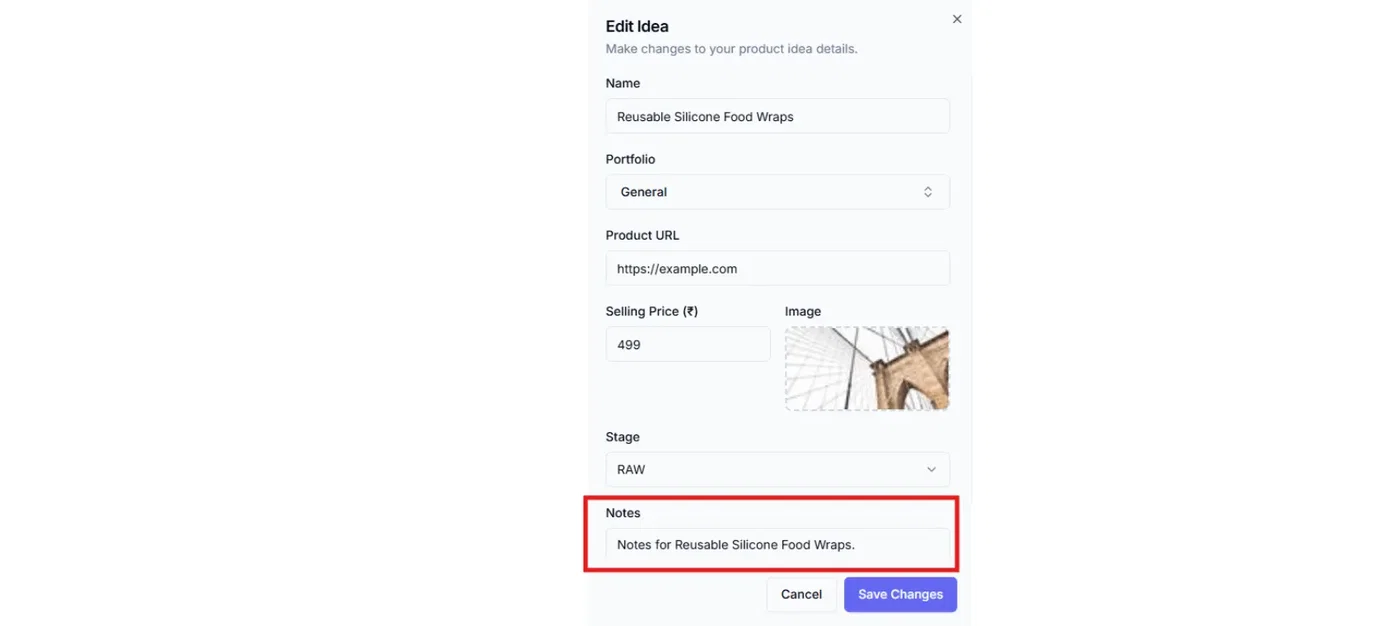
Add a quick note: “Why this idea?”
One line is enough:
what you liked
what you’ll improve
what variation you’re considering
Confirm portfolio
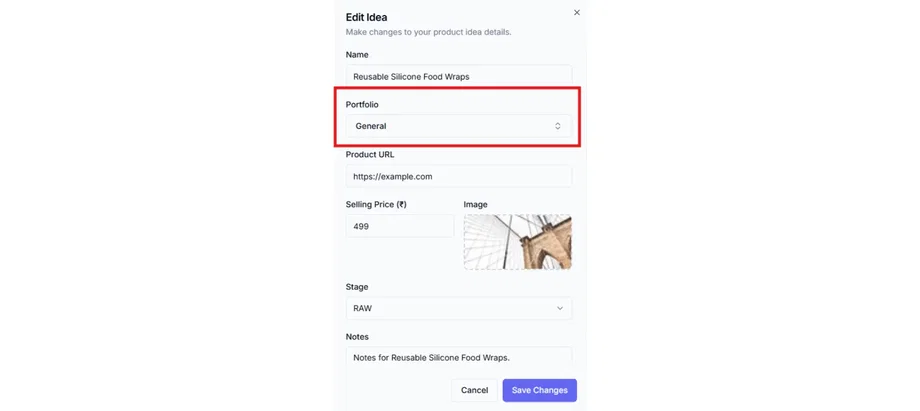
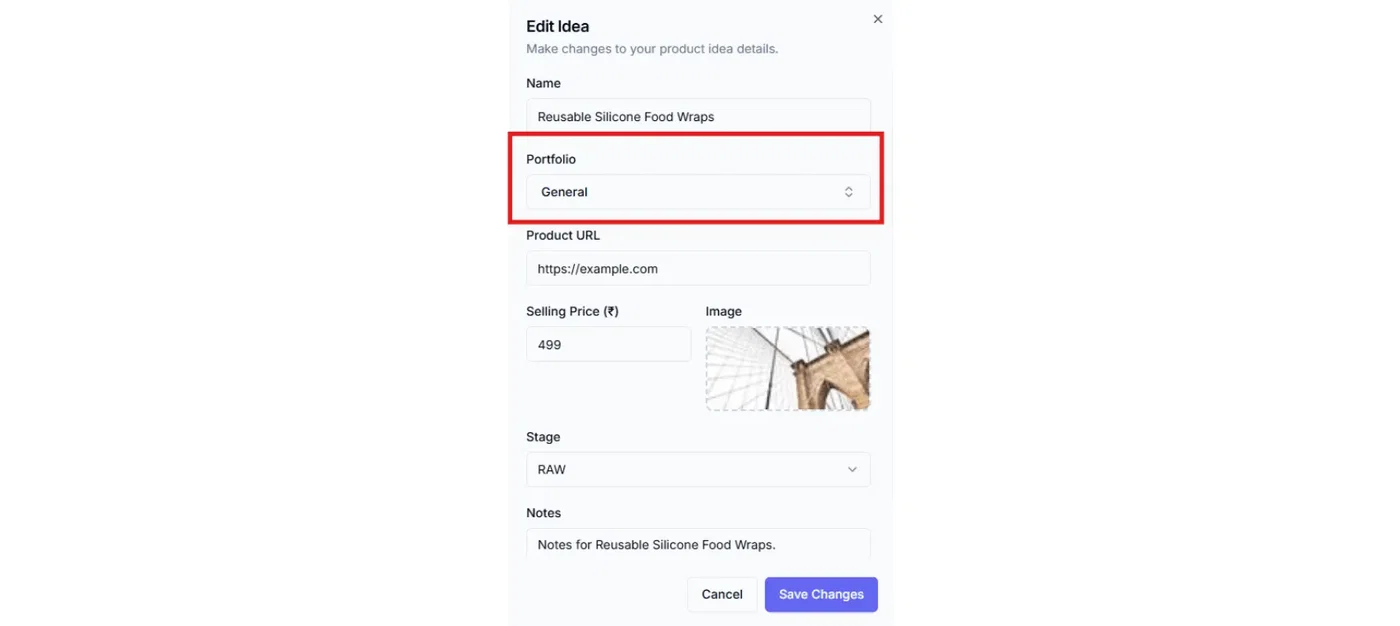
By default it stays in General.
If this belongs to a different brand/project, select the correct Portfolio.
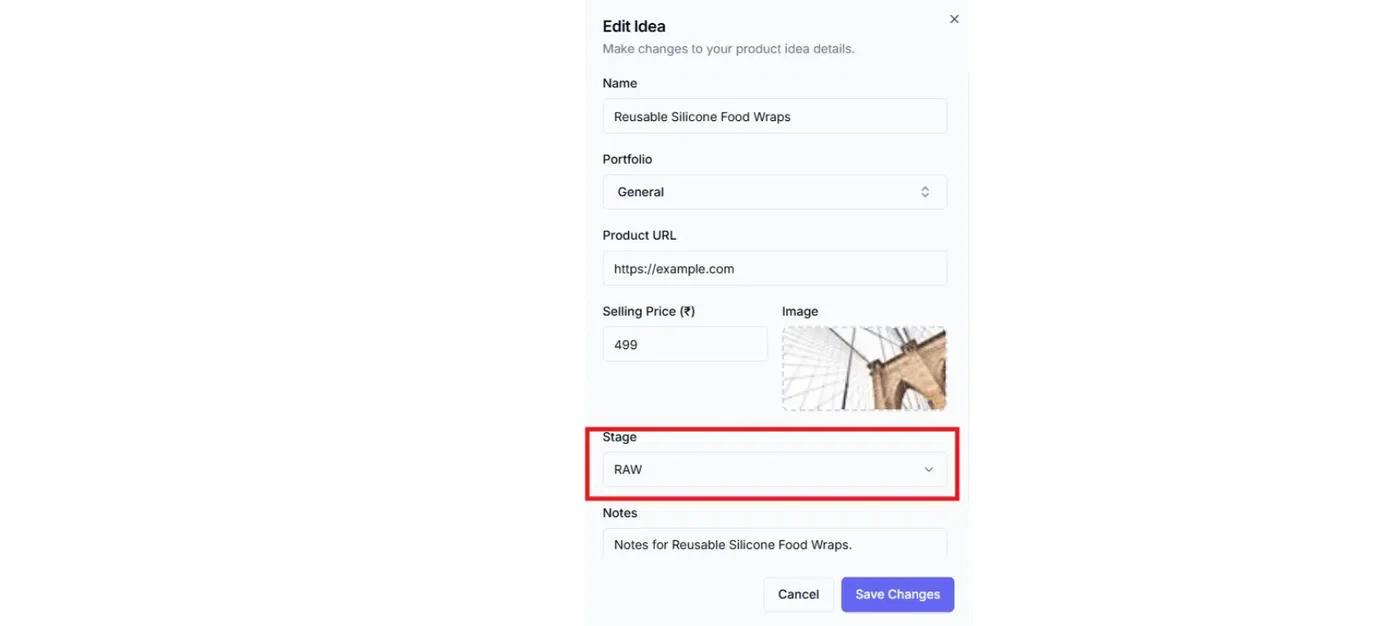
Keep stage as Raw
Importing a URL doesn’t mean it’s validated. Start with Raw, then go to Validator.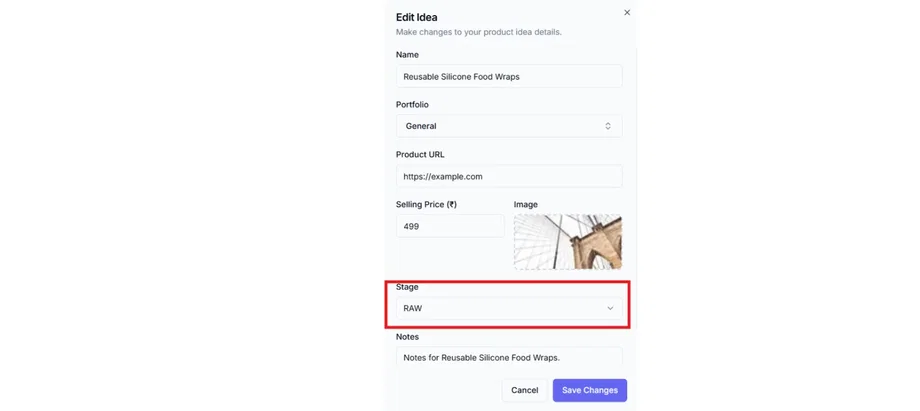
Common use cases
Saving “inspiration listings” from Amazon/Shopify
Building a shortlist during browsing
Quickly comparing multiple product angles
Keeping the reference link handy while discussing with your team
What happens next
After importing:
Go to Validator and start checklists (stage moves to Validating)
Go to Calculator and model unit economics (stage moves to Calculating)
Add suppliers when you’re confident the idea is worth pursuing
Troubleshooting
The image/title didn’t auto-fill
That can happen depending on the source page.
Fix:
manually add the idea name and image
keep the Product URL saved for reference
Related articles
Capture an idea (URL import vs manual)
Your first product idea (create + edit)
Validator: checklist sections + completion colors
Calculator: inputs + live breakdown + net profit sync